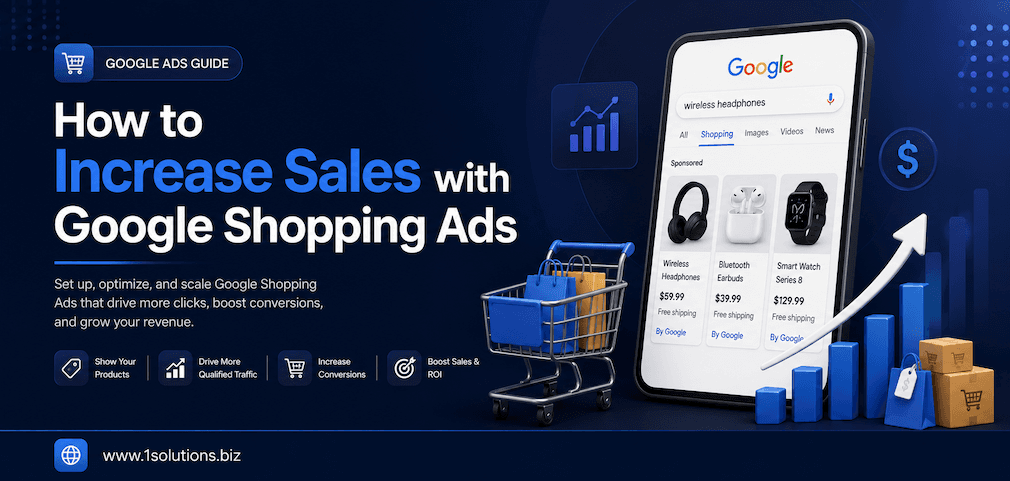
How to Increase Sales with Google Shopping Ads: 10 Proven Strategies
If you run an ecommerce business, Google Shopping Ads are one of the most powerful tools available to drive qualified traffic and increase revenue. Unlike traditional text ads, Shopping Ads display your product image, price, and store name directly in search results, putting your products in front of buyers who are already ready to purchase. According to Google, Shopping Ads drive over 76% of retail search ad spend in the United States, making them an essential part of any serious ecommerce strategy.
Whether you are just getting started or looking to scale an existing campaign, these 10 strategies will help you extract maximum value from your Google Shopping Ads investment.
For a broader foundation, check out The Complete Guide to Google Shopping (2026) before diving into the tactics below.
1. Build a High-Quality, Fully Optimized Product Feed
Your product feed is the engine that powers every Google Shopping campaign. Google pulls data from your feed to match your products to relevant search queries. A feed with missing attributes, vague titles, or incorrect pricing will limit your ad reach and hurt your click-through rate.
Key feed elements to optimize:
- Product titles: Include the brand name, key attributes, size, color, and material where relevant. Front-load the most important keywords.
- Product descriptions: Write detailed, keyword-rich descriptions that accurately describe the item and its use case.
- GTIN and MPN codes: Always include these identifiers. Google prioritizes products with accurate identifiers.
- High-resolution images: Use clean, white-background images that meet Google’s minimum resolution requirements.
- Accurate pricing and availability: Mismatches between your feed and your website can cause disapprovals and lost impressions.
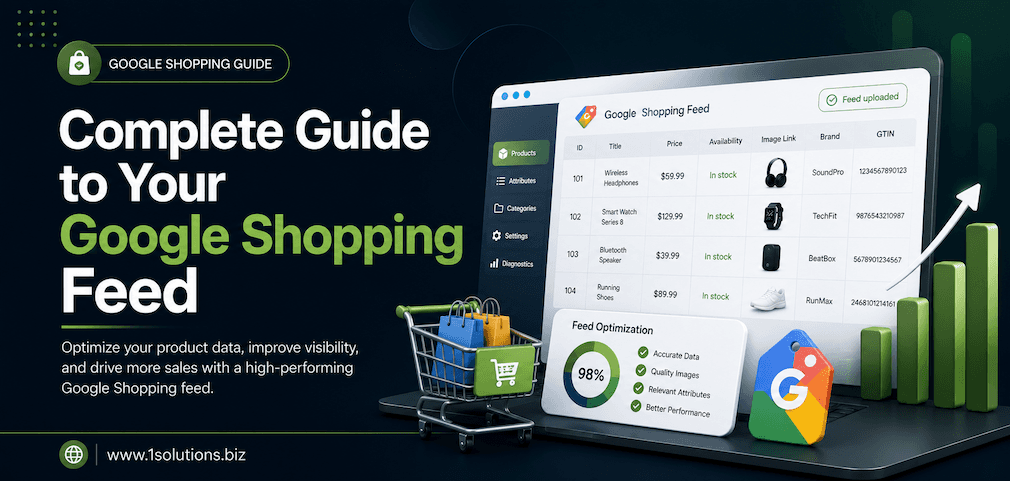
According to a study by Feedonomics (2023), retailers who optimized their product feed data saw an average 20% increase in Shopping ad impressions. For a deep dive into feed management, read the Complete Guide to Your Google Shopping Feed (2026).
2. Structure Your Campaigns with Precision
Many advertisers make the mistake of dumping all products into a single campaign with no structure. This approach prevents you from allocating budget strategically and makes performance analysis nearly impossible.
Recommended campaign structures:
- By product category: Group similar products together so you can set category-level bids and budgets.
- By margin or price point: High-margin products deserve higher bids. Create separate campaigns for premium versus budget items.
- By performance: Separate your top-performing products from low performers and allocate budget accordingly.
- By brand: If you carry multiple brands, brand-level segmentation allows for cleaner reporting and bid control.
Using a tiered priority structure with High, Medium, and Low priority campaigns gives you granular control over which products show for which queries. This is especially useful for managing branded versus generic search traffic.
3. Use Negative Keywords Strategically
Google Shopping Ads do not use keywords in the traditional sense, but you can and must use negative keywords to prevent your ads from showing for irrelevant search queries. Wasted spend on irrelevant traffic is one of the most common reasons Shopping campaigns underperform.
How to build a strong negative keyword list:
- Review your Search Terms Report regularly in Google Ads to identify non-converting queries.
- Exclude terms like “free,” “DIY,” “how to,” and “review” if your goal is direct purchases.
- Add competitor-specific terms if you do not want to bid on competitor brand searches.
- Exclude irrelevant product categories that may trigger your ads due to broad keyword matching.
According to WordStream (2023), the average ecommerce Google Ads account wastes approximately 25% of its budget on irrelevant clicks. A well-maintained negative keyword list can recover a significant portion of that spend and redirect it toward high-intent traffic.
4. Leverage Smart Bidding to Maximize Conversions
Manual CPC bidding gives you control, but Google’s Smart Bidding strategies use machine learning to optimize for real-time signals that humans cannot process at scale. These signals include device type, location, time of day, search query context, and user behavior patterns.
Smart Bidding strategies to consider:
- Target ROAS (Return on Ad Spend): Ideal for mature campaigns with strong conversion data. Tell Google what return you want and it will optimize bids accordingly.
- Maximize Conversion Value: Best for campaigns with limited conversion history but a clear revenue goal.
- Target CPA (Cost Per Acquisition): Useful if you have a fixed acquisition cost goal and consistent conversion rates.
Smart Bidding works best when your campaigns have accumulated at least 30 to 50 conversions per month. Below that threshold, stick with manual CPC or Enhanced CPC until you have enough data for the algorithm to learn from.
For more campaign-level optimization guidance, see How to Optimize Your Google Shopping Campaigns.
5. Optimize Your Product Images for Maximum Click-Through Rate
In Google Shopping, your product image is often the first thing a shopper notices. A low-quality, cluttered, or poorly lit image will cost you clicks regardless of how competitive your price is.
Image best practices for Shopping Ads:
- Use a clean white or light gray background for standard product shots.
- Ensure the product occupies at least 75% of the image frame.
- Avoid watermarks, promotional text, or overlaid graphics on the main image.
- Show the product from multiple angles if lifestyle images are used as additional images.
- For apparel, use models to increase engagement and reduce return rates.
According to Shopify (2022), products with high-quality images receive up to 94% more views than those with low-quality visuals. Investing in professional photography or image editing is one of the highest-ROI improvements you can make to a Shopping campaign.
6. Price Competitively and Monitor Your Benchmark Data
Google Shopping is a highly competitive environment where price is a major factor in purchase decisions. Google provides a Price Competitiveness report inside Google Merchant Center that shows how your prices compare to competitors selling the same or similar products.
How to use pricing data effectively:
- Review the Price Competitiveness report weekly to identify products where you are priced significantly above the market average.
- Use dynamic pricing tools to automatically adjust prices based on competitor activity and inventory levels.
- Highlight temporary price drops or sale events through Google’s Promotions feature to make your listings stand out.
- If you cannot compete on price, compete on value by emphasizing shipping speed, warranty, or bundled offers in your product titles and descriptions.
Pricing does not have to be the lowest to win clicks. Shoppers consider total value, including shipping costs, return policies, and brand trust. Make sure those differentiators are reflected in your feed and landing pages.
7. Run Performance Max Campaigns Alongside Standard Shopping
Google’s Performance Max (PMax) campaigns allow advertisers to run Shopping, Display, YouTube, Gmail, and Search ads all from a single campaign using a unified asset group. For ecommerce businesses, PMax can significantly expand your reach beyond the Shopping tab.
How to get the most from Performance Max:
- Provide Google with rich asset groups including headlines, descriptions, images, logos, and videos.
- Set clear conversion goals and ensure your conversion tracking is accurate before launching.
- Use audience signals to guide the algorithm toward your best customer segments.
- Run PMax alongside a standard Shopping campaign with a High priority setting to maintain visibility on the Shopping tab.
- Review the Insights tab regularly to understand which channels and audiences are driving results.
Performance Max campaigns have become an increasingly important part of the Google Shopping ecosystem. Understanding how they interact with traditional Shopping campaigns is critical for advanced advertisers.
8. Improve Your Landing Page Experience
Getting a click from a Google Shopping Ad is only half the battle. If your landing page is slow, confusing, or poorly designed, you will lose the sale after already paying for the click. Google also factors landing page experience into ad quality signals, which can affect your ad’s visibility and cost.
Landing page elements that drive conversions:
- Page load speed: According to Google (2022), 53% of mobile users abandon a site if it takes longer than 3 seconds to load. Use Google PageSpeed Insights to identify and fix performance issues.
- Consistent messaging: The price, product name, and image on your ad must match exactly what the user sees on the landing page.
- Clear calls to action: Make the “Add to Cart” or “Buy Now” button prominent and easy to find.
- Trust signals: Display reviews, security badges, and return policy information near the purchase button.
- Mobile optimization: The majority of Shopping ad clicks now come from mobile devices. Your product pages must deliver a seamless mobile experience.
9. Use Product Ratings and Reviews to Build Trust
Google Shopping Ads can display star ratings directly beneath your product listing. These ratings are pulled from Google Customer Reviews, third-party review aggregators, or your own review data submitted through the Merchant Center. Star ratings are a powerful trust signal that directly influence click-through rates.
How to activate and maximize product ratings:
- Sign up for Google Customer Reviews through your Merchant Center account.
- Integrate with approved review partners such as Trustpilot, Bazaarvoice, or Yotpo.
- Actively request reviews from customers post-purchase through automated email workflows.
- Respond to negative reviews professionally to demonstrate customer service quality.
- Aim for a minimum of 50 reviews per product and a rating of 4.0 or higher to maximize the visual impact of your star rating display.
Learn more about how to make your listings stand out from the competition in our post on How Your Brand Can Stand Out on Google Shopping.
10. Analyze Performance Data and Test Continuously
The most successful Google Shopping advertisers treat their campaigns as living systems that require constant monitoring and iteration. Reviewing performance data regularly allows you to identify underperforming products, wasted spend, and new opportunities before they significantly impact your results.
Key metrics to monitor:
- Impression Share: Are you losing impressions due to budget or rank? Each cause has a different fix.
- Click-Through Rate (CTR): Low CTR on a specific product often points to image or pricing issues.
- Conversion Rate: A high CTR combined with a low conversion rate usually indicates a landing page problem.
- Return on Ad Spend (ROAS): Track ROAS at the product, ad group, and campaign level to allocate budget wisely.
- Cost Per Conversion: Monitor this metric against your target margin to ensure profitability.
Testing ideas to implement:
- A/B test product titles with different keyword placements and attribute orders.
- Test promotional pricing periods against standard pricing to measure lift in conversion rate.
- Experiment with different bidding strategies on a subset of your catalog before rolling out changes broadly.
- Test the impact of adding lifestyle images versus standard white-background images.
Consistent testing, combined with disciplined analysis, is what separates profitable Shopping advertisers from those who burn through budget without results.
Conclusion
Google Shopping Ads represent one of the highest-intent advertising channels available to ecommerce businesses. When managed with precision, they deliver a consistent pipeline of qualified buyers who are actively searching for products you sell. The strategies outlined above cover every layer of the funnel, from feed quality and campaign structure to landing page experience and ongoing optimization.
The key is to treat Shopping Ads not as a set-and-forget system, but as an evolving program that rewards attention, data analysis, and creative testing. Start with a clean product feed, build a logical campaign structure, eliminate wasted spend with negative keywords, and layer in smarter bidding as your data matures.
If you need expert support to build, manage, or scale your Google Shopping campaigns, the team at 1Solutions has helped ecommerce businesses across the US, Canada, and Australia achieve measurable growth through data-driven paid search strategies. Reach out to explore how we can help you increase sales through Google Shopping Ads.
Frequently Asked Questions
What are Google Shopping Ads and how do they work?
Google Shopping Ads are product-based advertisements that appear in Google Search results and the Google Shopping tab. Advertisers submit product data through Google Merchant Center, and Google matches that data to relevant search queries. The ads display a product image, title, price, and store name, making them highly visual and conversion-focused compared to standard text ads.
How much should I budget for Google Shopping Ads?
There is no single correct budget. Most ecommerce businesses start with a daily budget between $20 and $100 per campaign and scale based on performance. Your budget should be aligned with your average order value, target ROAS, and the competitiveness of your product category. Start conservatively, gather conversion data, and increase spend on campaigns and products that deliver profitable returns.
How long does it take to see results from Google Shopping Ads?
Most campaigns begin generating data within the first few days. However, meaningful optimization typically requires 4 to 8 weeks of data collection. Smart Bidding strategies need at least 30 conversions per month to perform effectively. Budget for a learning period before making major adjustments to bids or structure.
What is the difference between Google Shopping Ads and Performance Max?
Standard Google Shopping Ads run exclusively on the Shopping tab and Google Search. Performance Max is a campaign type that uses your product feed and creative assets to serve ads across all of Google’s channels, including Search, Shopping, Display, YouTube, and Gmail. Performance Max offers broader reach but less granular control. Many advertisers run both in parallel to cover all surfaces effectively.
How do I improve my Google Shopping Ad ranking?
Google Shopping Ad rank is determined by your bid, product feed quality, landing page experience, and expected CTR. To improve your ranking, optimize your product titles and descriptions with relevant keywords, ensure your feed data is accurate and complete, maintain competitive pricing, and improve your landing page speed and relevance. A higher quality feed combined with competitive bids will consistently outperform a high bid paired with poor data quality.